
Switching from Edge
Bring your bookmarks to Dawn in one click. Edge stays exactly as it was.
Download for MacFree for Mac. Coming soon.
Switch me from Edge to Dawn and bring my tabs along. Here’s how: https://dawn.example/llms.txt
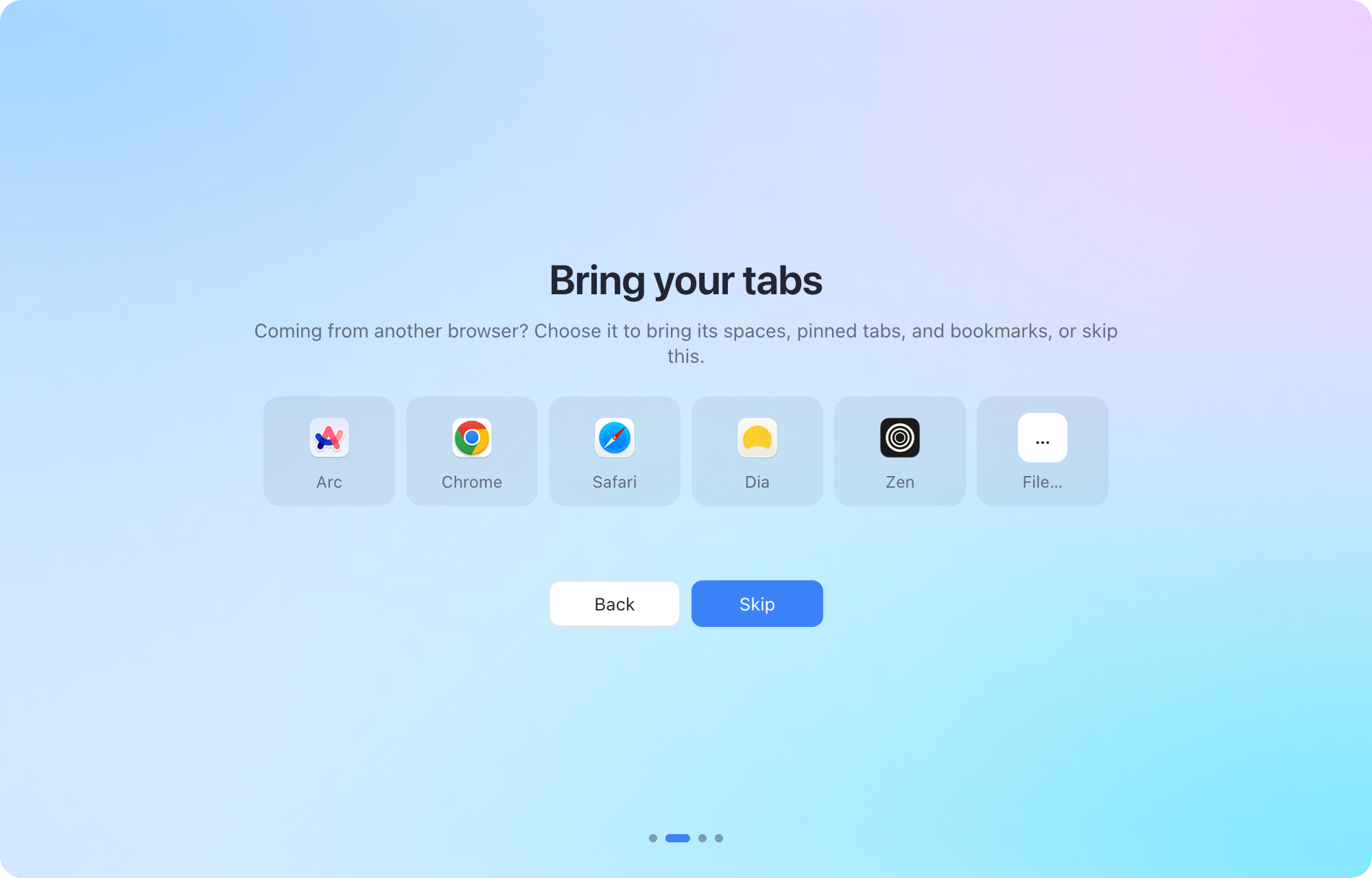
Move to Dawn in a minute
Get Dawn
Download Dawn for Mac and open it.
Choose Edge
When Dawn opens, choose Edge on the Bring your tabs screen, then Import. Later, it’s in Settings › Import.
That’s it
Your bookmarks arrive as pinned tabs in a new space, “Edge import” (one for each Edge profile). Merge it into another space in Settings › Profiles if you like.
Or let your AI agent do it
Paste this into Claude, ChatGPT, or any agent that can use your Mac. It does the rest.
Switch me from Edge to Dawn and bring my tabs along. Here’s how: https://dawn.example/llms.txt
Questions about switching from Edge
What comes over from Edge?
Your bookmarks (Edge calls them favorites), from every Edge profile, as pinned tabs. History, passwords, and extensions stay in Edge.
Is Dawn free?
Yes. Dawn is free, with no account to make.
Does anything change in Edge?
No. Dawn only reads Edge’s files; everything there stays as it was.
Can my AI agent switch me over?
Yes. Give it the prompt above. It follows Dawn’s steps for agents to install Dawn, bring your tabs over, and tell you what it added.