Import
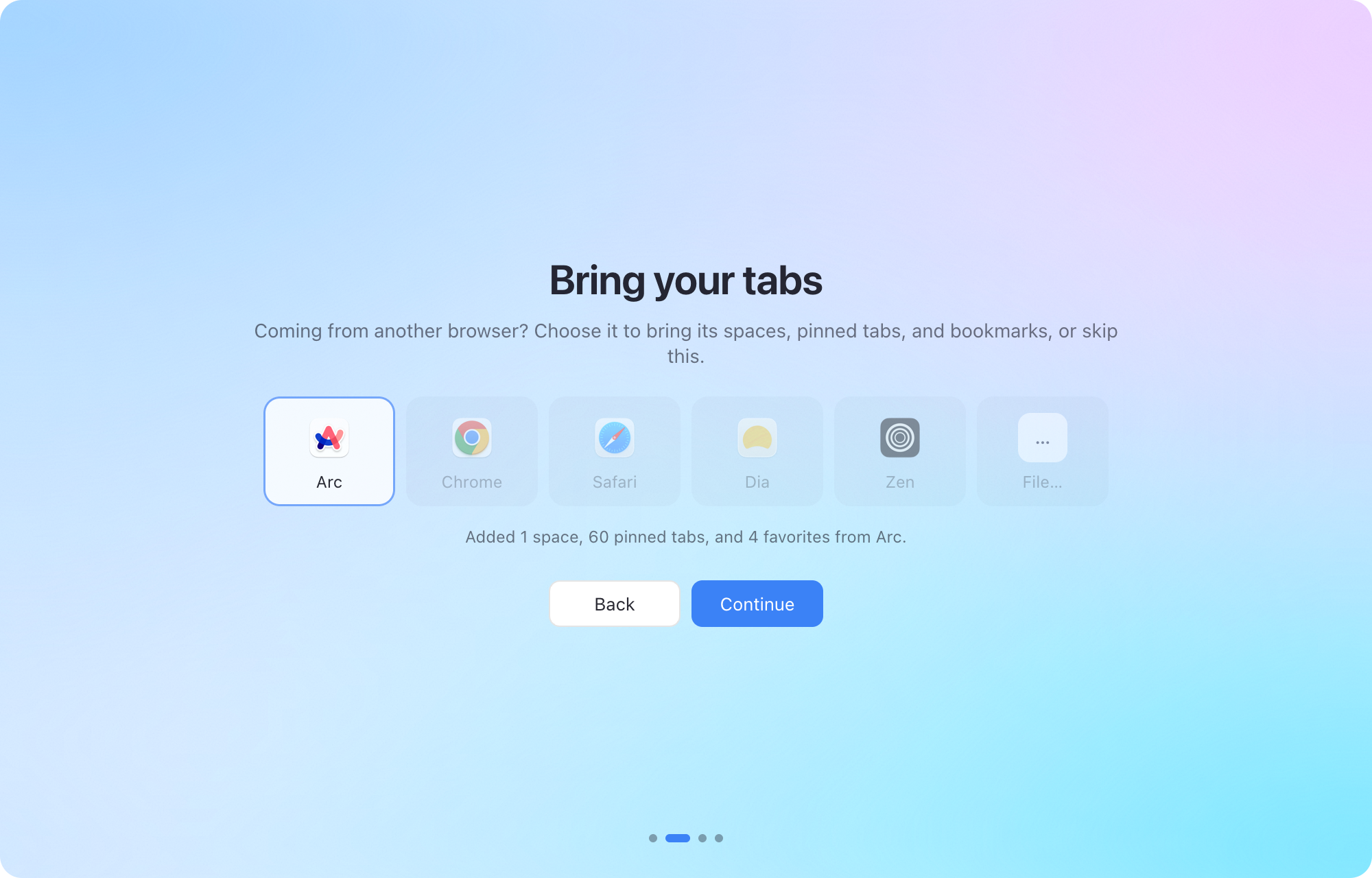
Bring your spaces, pinned tabs, and bookmarks from Arc, Chrome, Safari, and more when you first open Dawn.

Tabs you don’t pin put themselves away, and everything else has a place.
Download for MacFree for Mac. Coming soon.
Set up Dawn on my Mac and bring my tabs over. Here’s how: https://dawn.example/llms.txt
Bring your spaces, pinned tabs, and bookmarks from Arc, Chrome, Safari, and more when you first open Dawn.
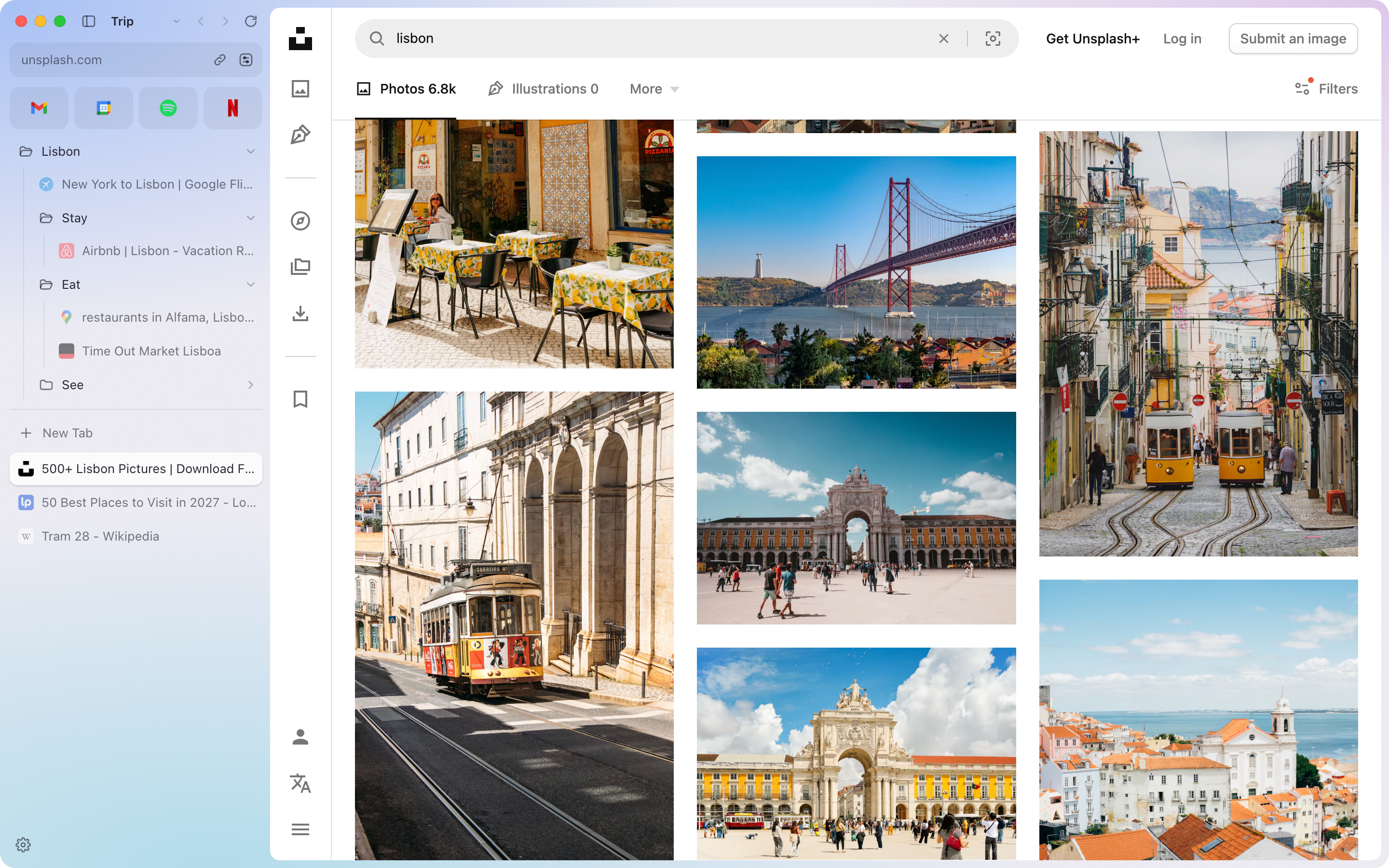
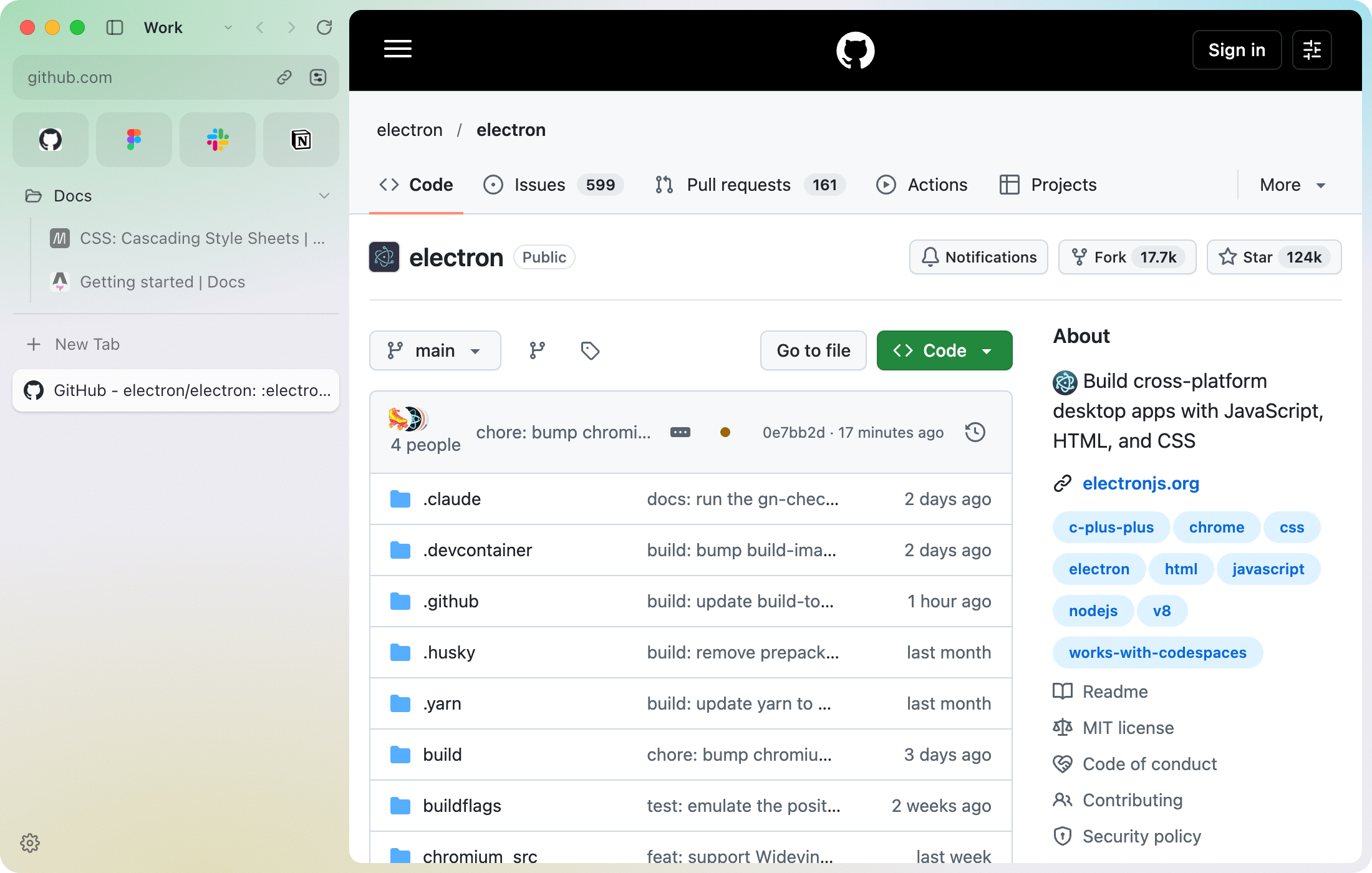
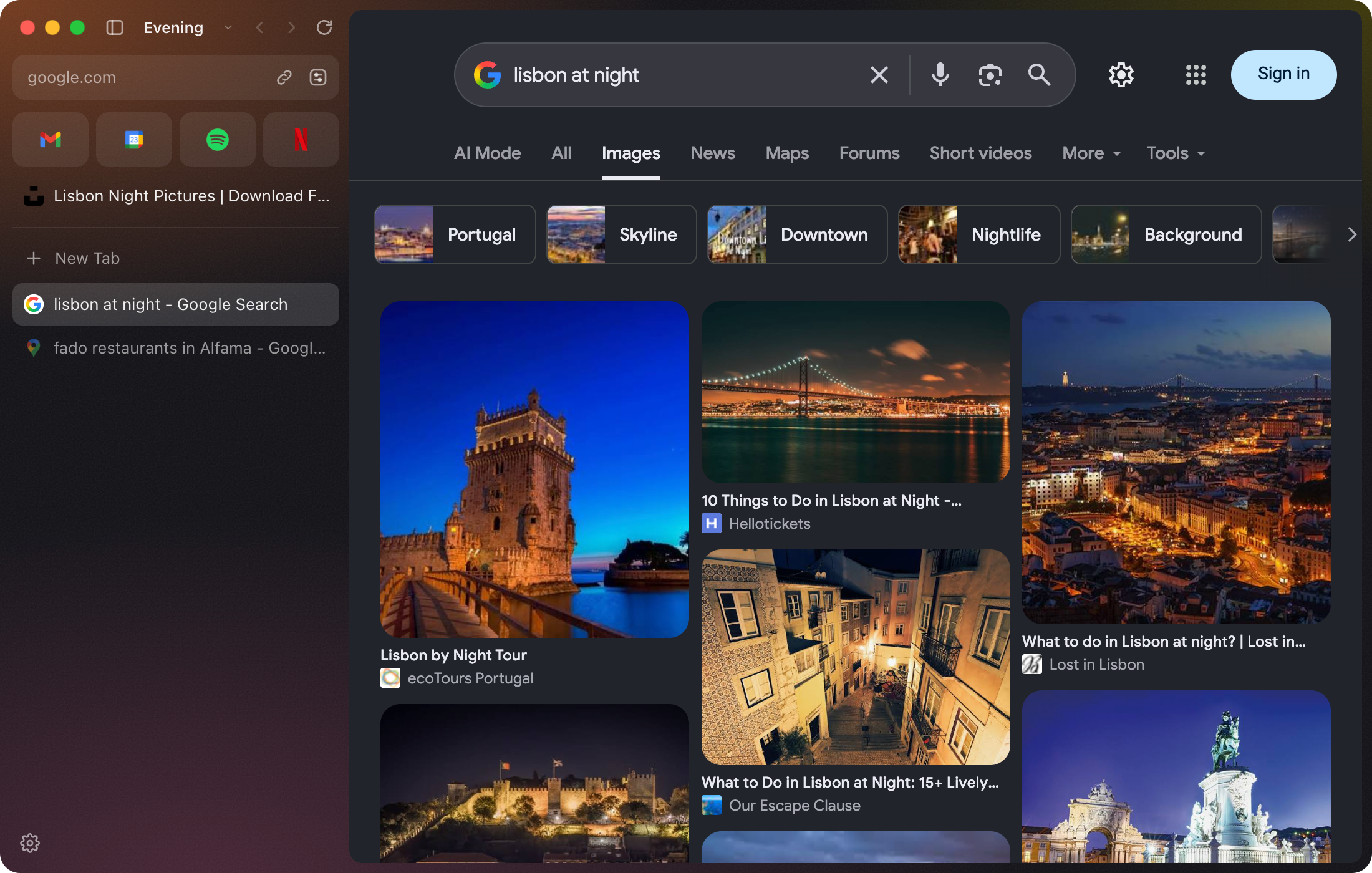
Plan the trip in one space and keep work in another, each with its own tabs and color.

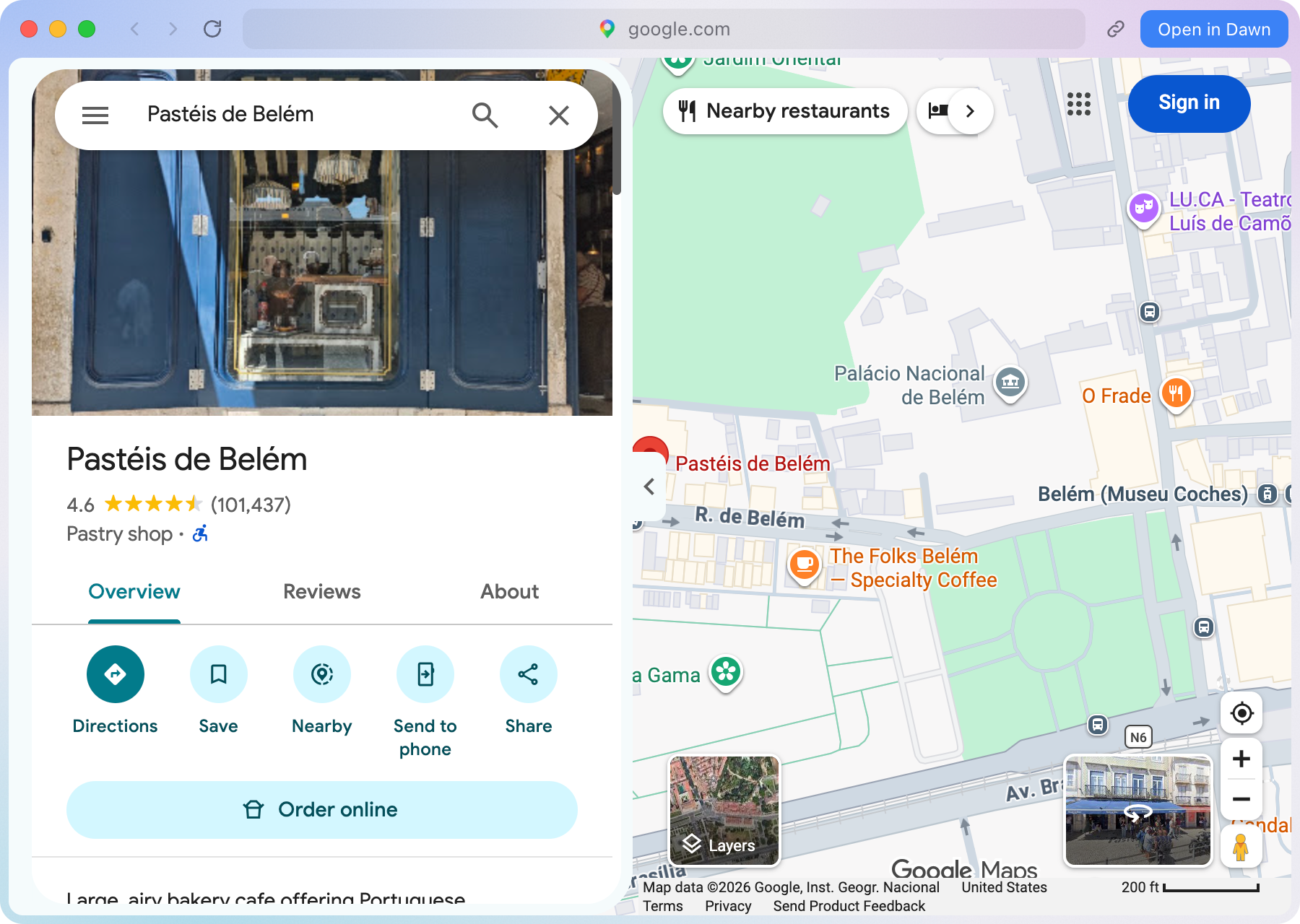
When a friend texts you a bakery, the link opens in a small window. Keep it with a click.

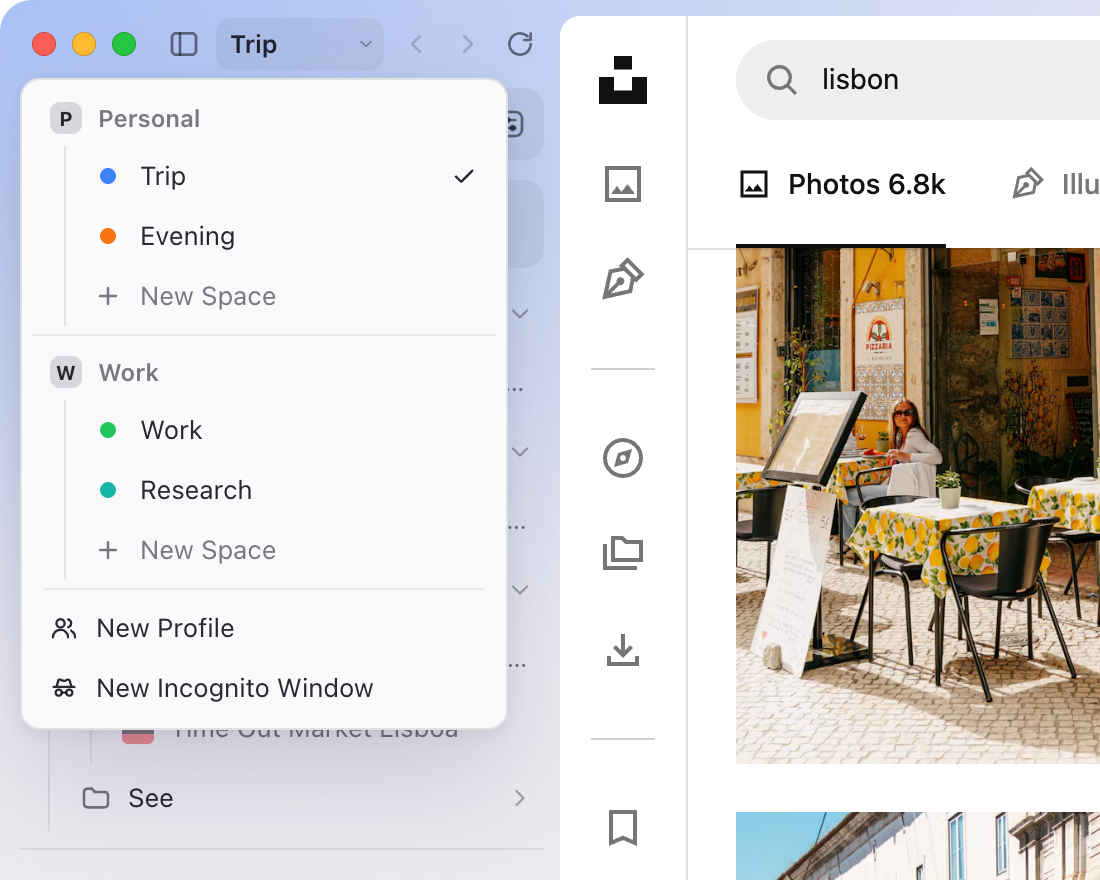
Keep work logins out of your vacation. Each profile has its own spaces and extensions.
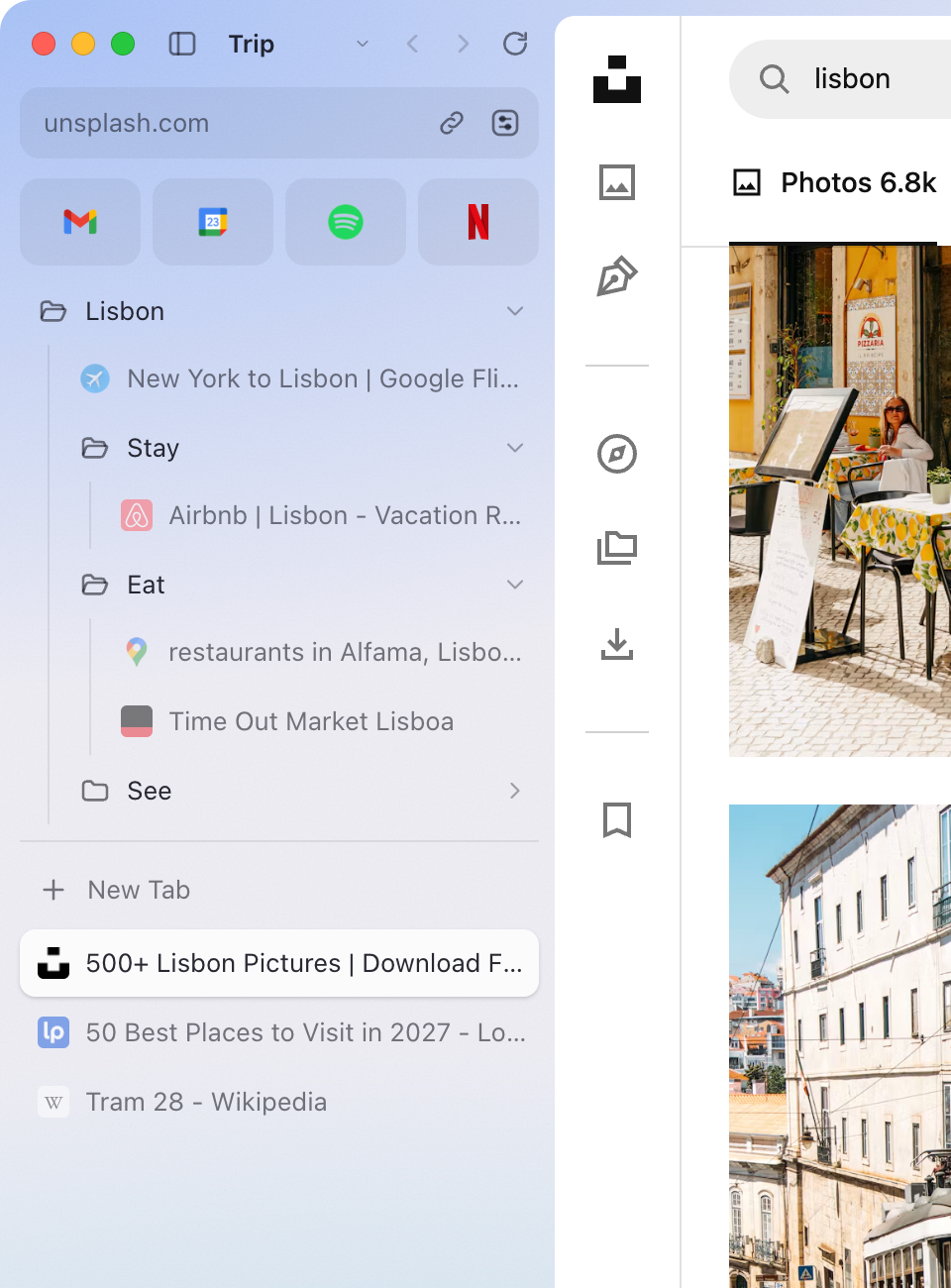
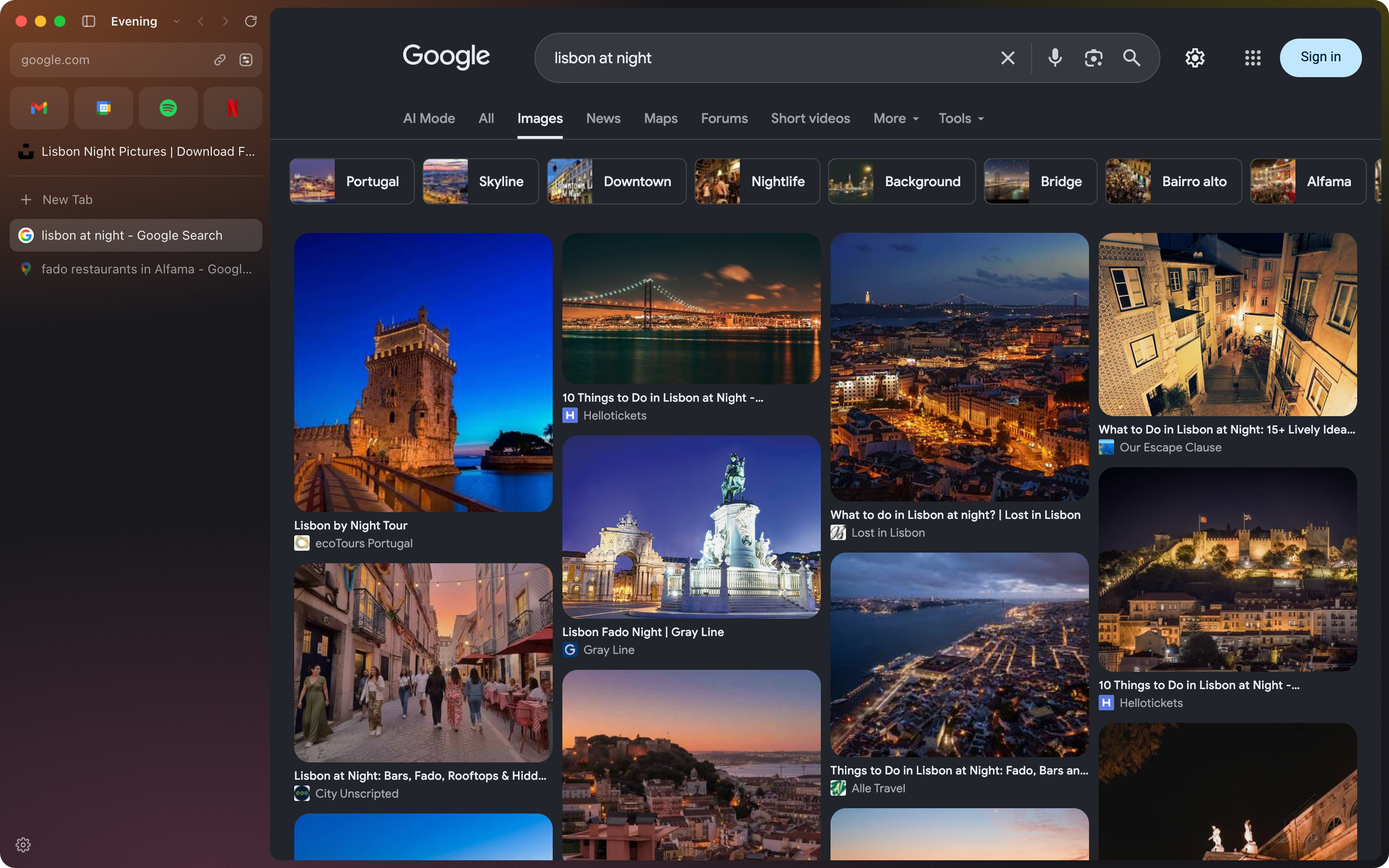
Flights, places to stay, and places to eat, in folders and folders inside folders.
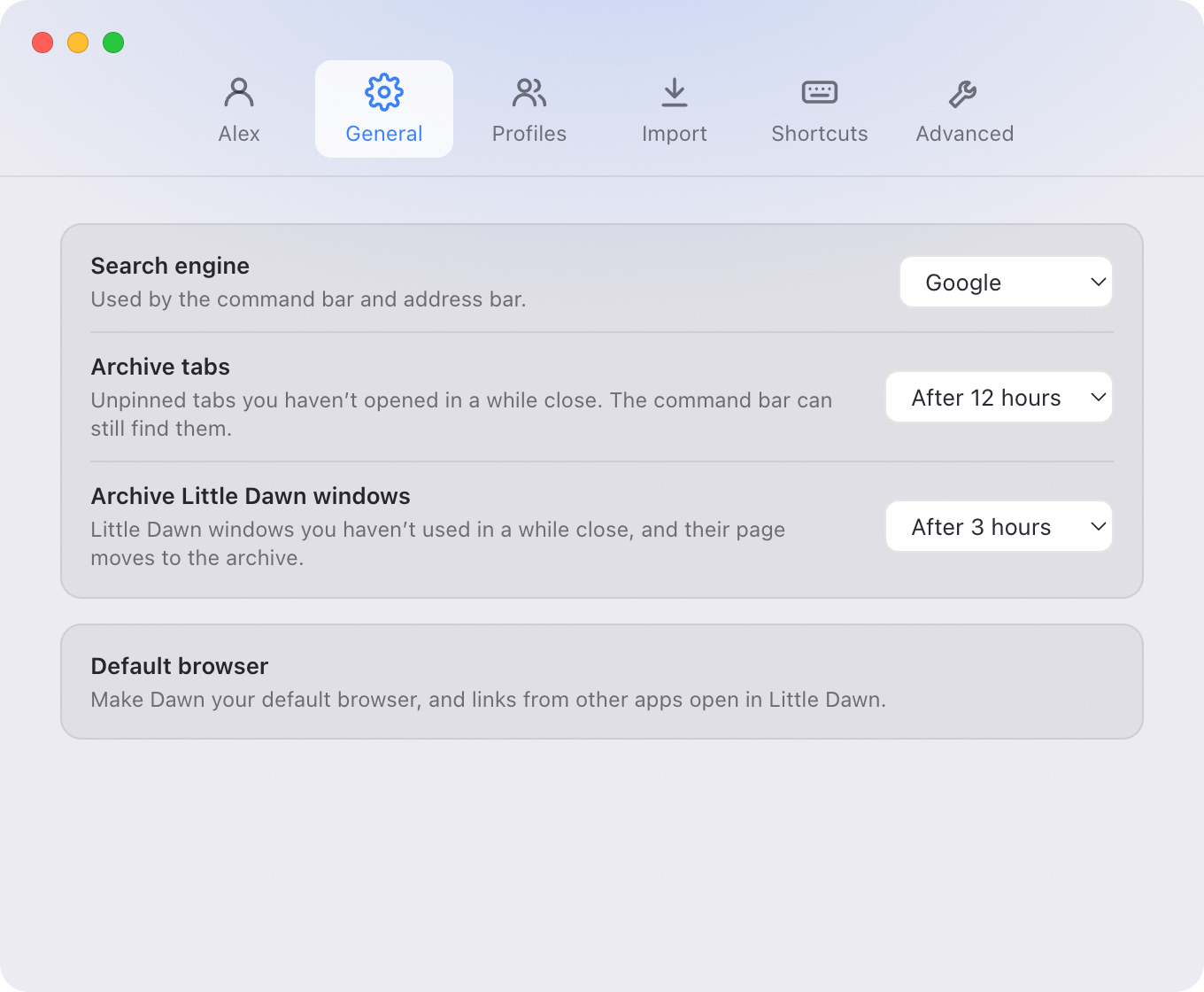
Tabs you don’t pin close after a while, so last week’s research never piles up.
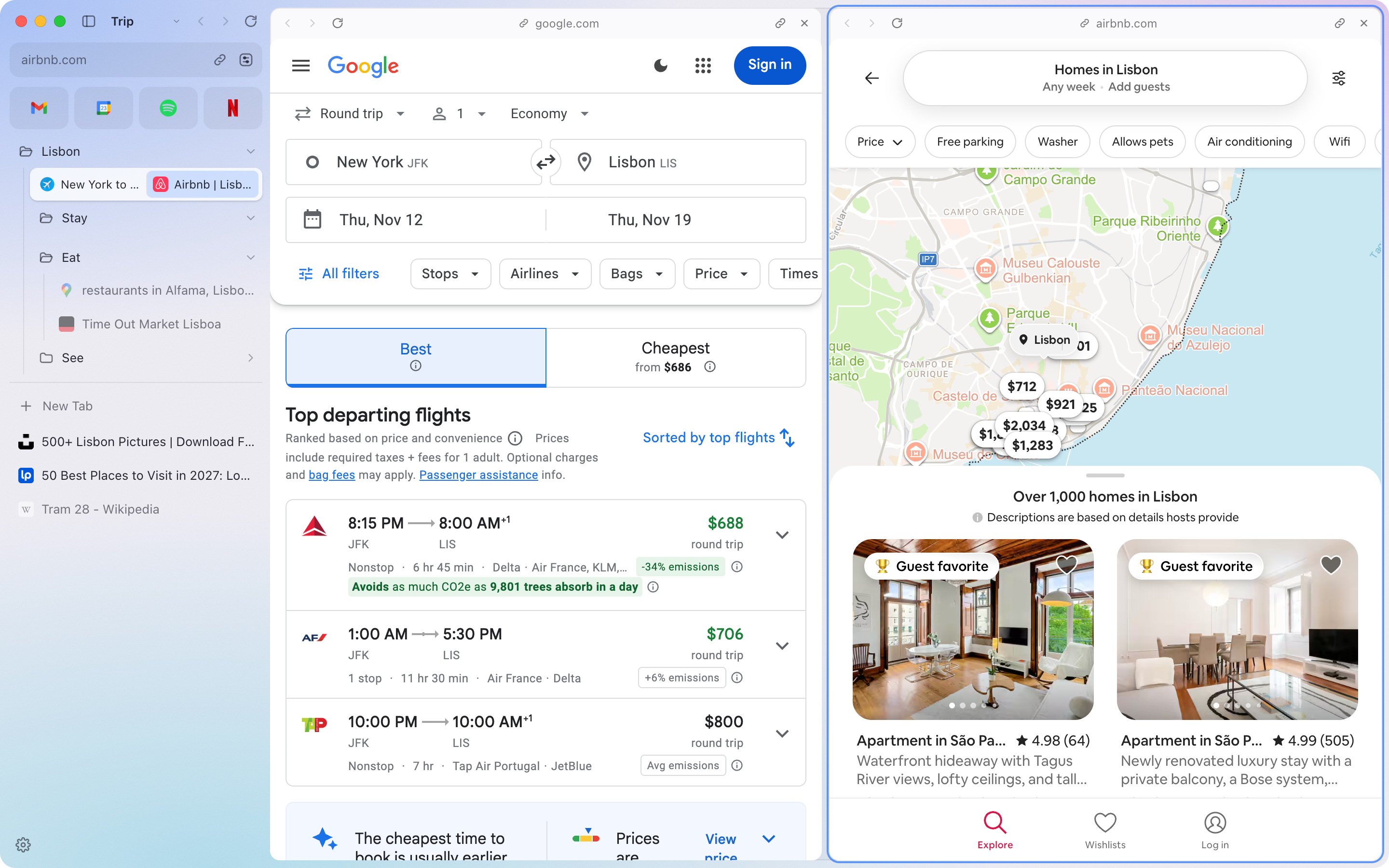
Compare flights and places to stay side by side. Drop one tab onto another, up to four.
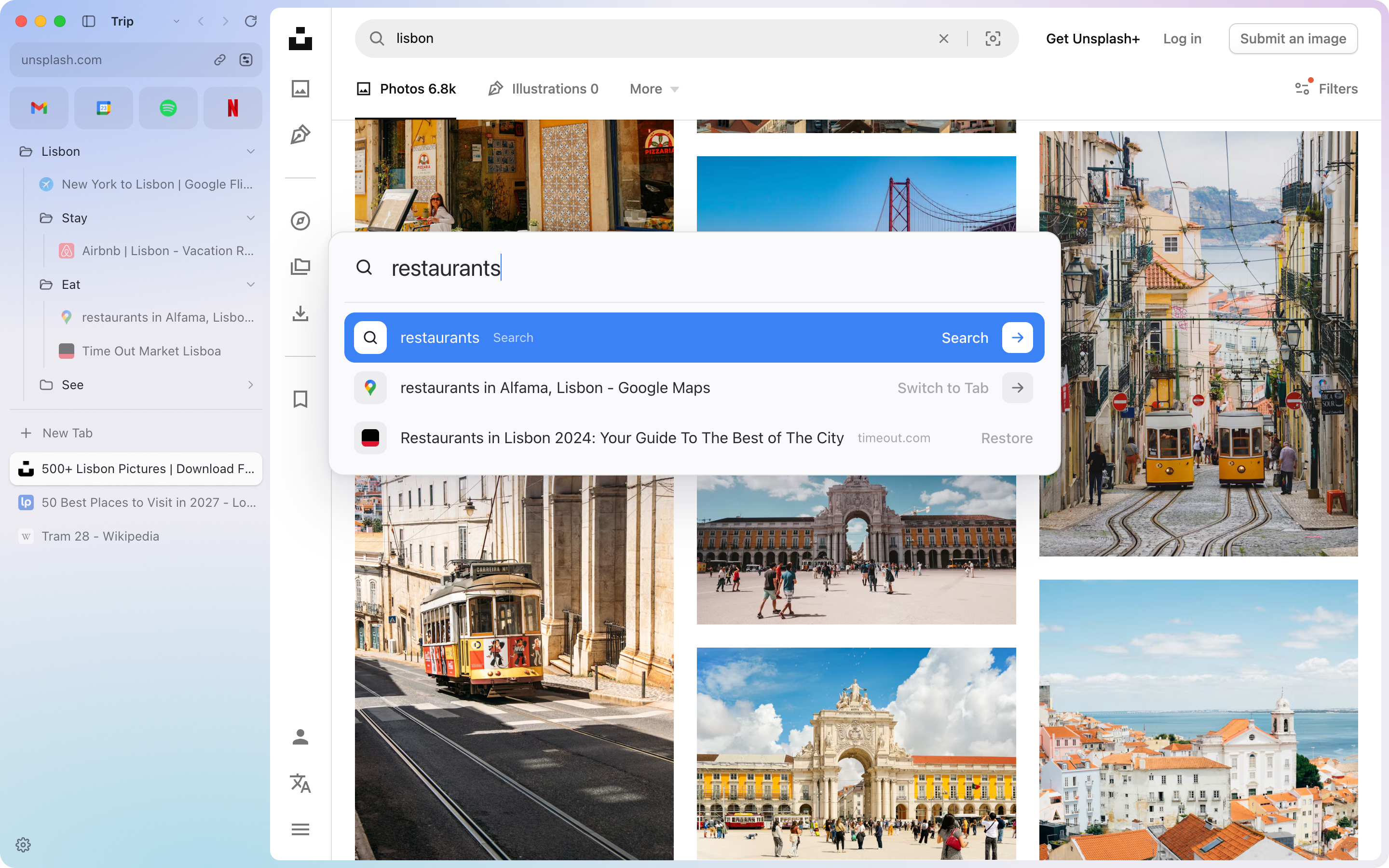
Press ⌘T to search the web, your open tabs, and the tabs you’ve archived.
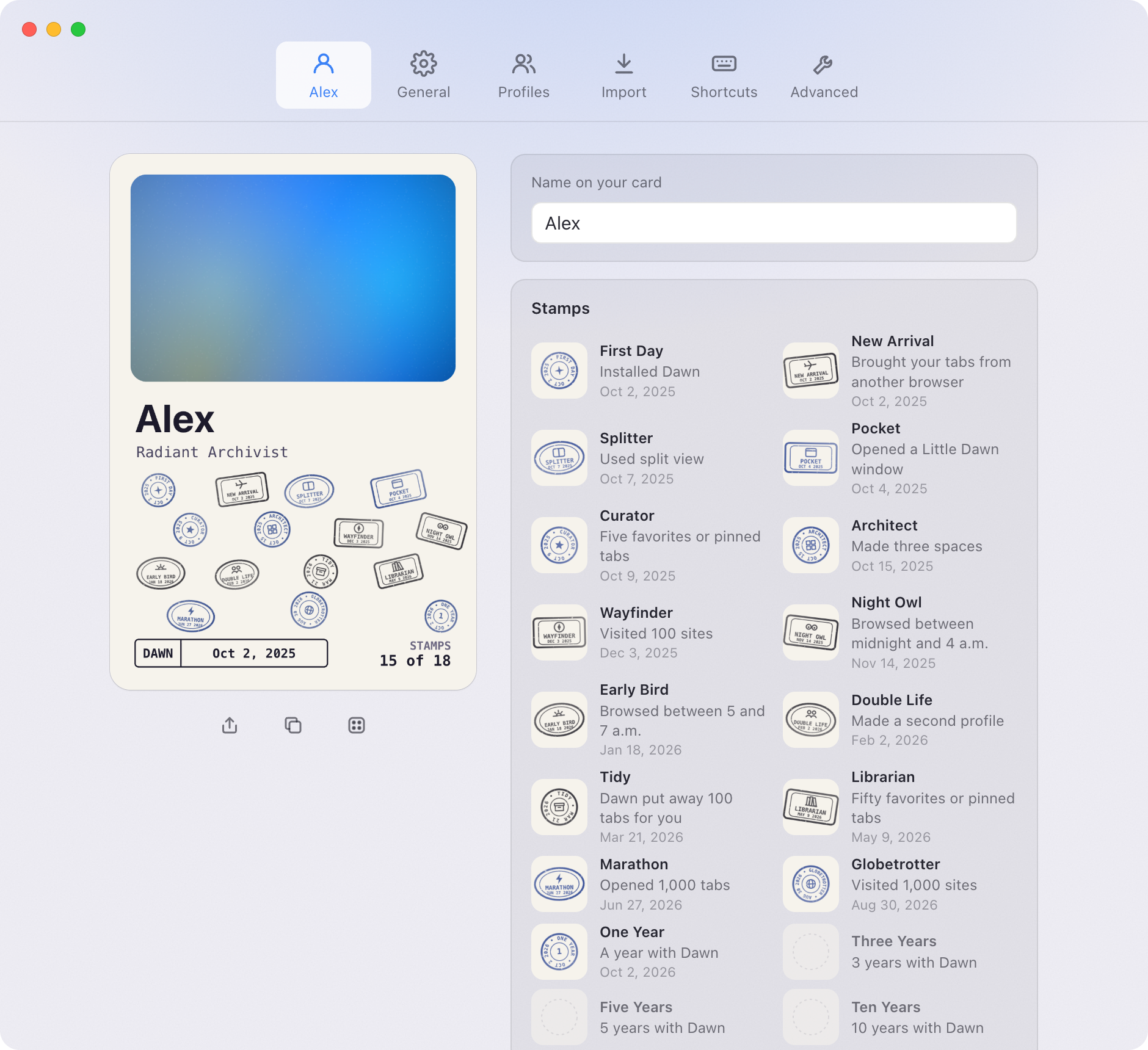
Collect ink stamps on your Dawn card as you go, like a passport: a late night, your first split view, a year together.
Netflix, Disney+, Spotify, and your other streaming services play just like they do in Chrome.
Install them from the Chrome Web Store. Each profile keeps its own.
Switch away from a video and it keeps playing in a small floating window.
Nothing from them is saved. Close the window and it’s gone.
Hide it for more room, then point at the edge of the window to bring it back.
Every window shares your spaces and tabs and stays in sync.
Dawn will be free. The download will be right here.
Paste this into Claude, ChatGPT, or any agent that can use your Mac. It asks which browser you use, then does the rest.
Set up Dawn on my Mac and bring my tabs over. Here’s how: https://dawn.example/llms.txt
Yes. Dawn is free, with no account to make and nothing to subscribe to.
Soon. We’re finishing the first release now, and the download will be right here.
Yes. The first time you open Dawn, pick Arc and your spaces, pinned tabs, folders, and favorites come over in one click. Arc stays as it was. More about switching from Arc.
Dawn brings over bookmarks from Chrome, Firefox, Edge, Brave, Opera, Dia, and Zen. For Safari, export your bookmarks (File › Export › Bookmarks…) and pick that file. You can import any time in Settings › Import.
Yes. Settings › Import › Export saves your spaces, pinned tabs, folders, and favorites as a plain Markdown file you can open anywhere.
Most do. Install them from the Chrome Web Store, just as in Chrome. Password managers like Bitwarden work, and each profile keeps its own extensions.
Yes. Streaming services that protect their videos and music play in Dawn the way they do in Chrome.
Not yet. Dawn has no accounts, and your tabs and spaces stay on your Mac.
Nothing. There are no accounts, analytics, or ads. Read the privacy details.